Outcome


Ayon
AI Personal Trainer
We partnered with Ayon to design an AI-powered fitness companion that makes expert personal training accessible to everyone. Most fitness technology is built for people already committed to working out, with performance-first hardware, data-heavy dashboards, and materials that announce themselves. With Ayon, we set out to create a product and experience for fitness beginners. Supportive guidance that doesn’t feel intimidating, and helps you pursue your own goals at your own pace.
Working across generative research, industrial design, UX/UI, brand identity, and 3D avatar development, we shaped an integrated ecosystem of camera, wearable, and app that guides users through workouts, corrects form in real time, and supports overall wellbeing in daily life.
A brand that feels like wellness
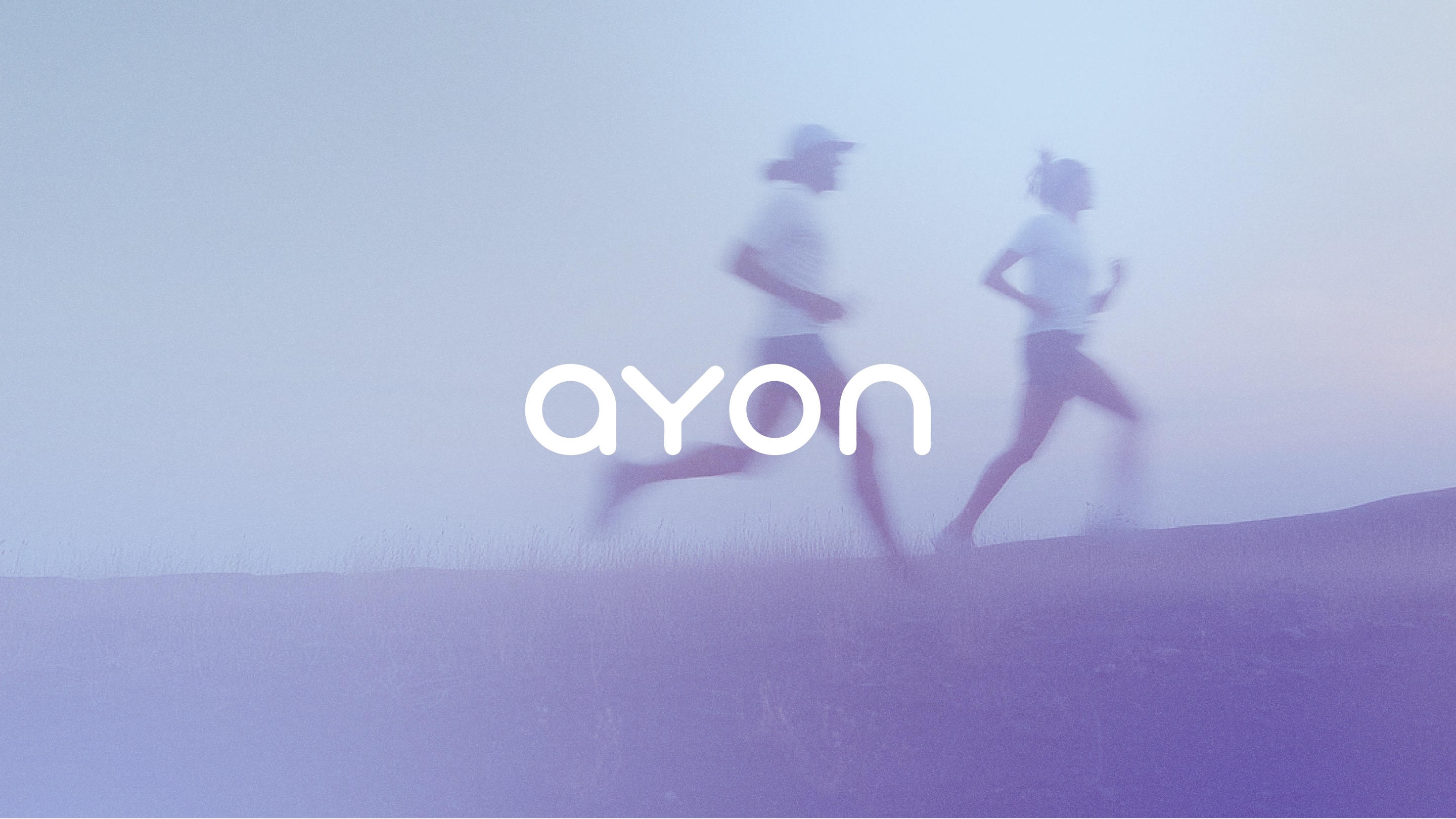
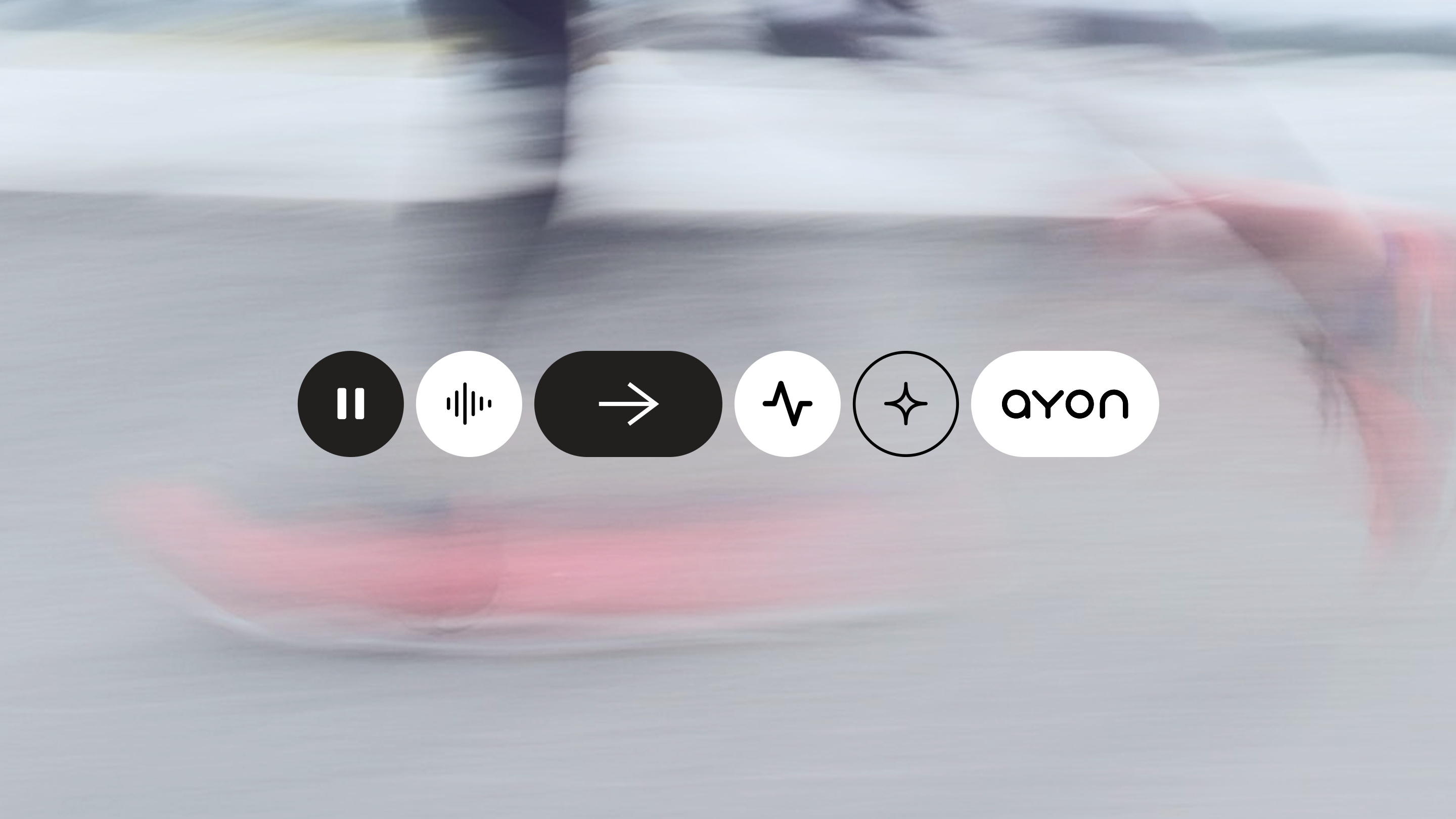
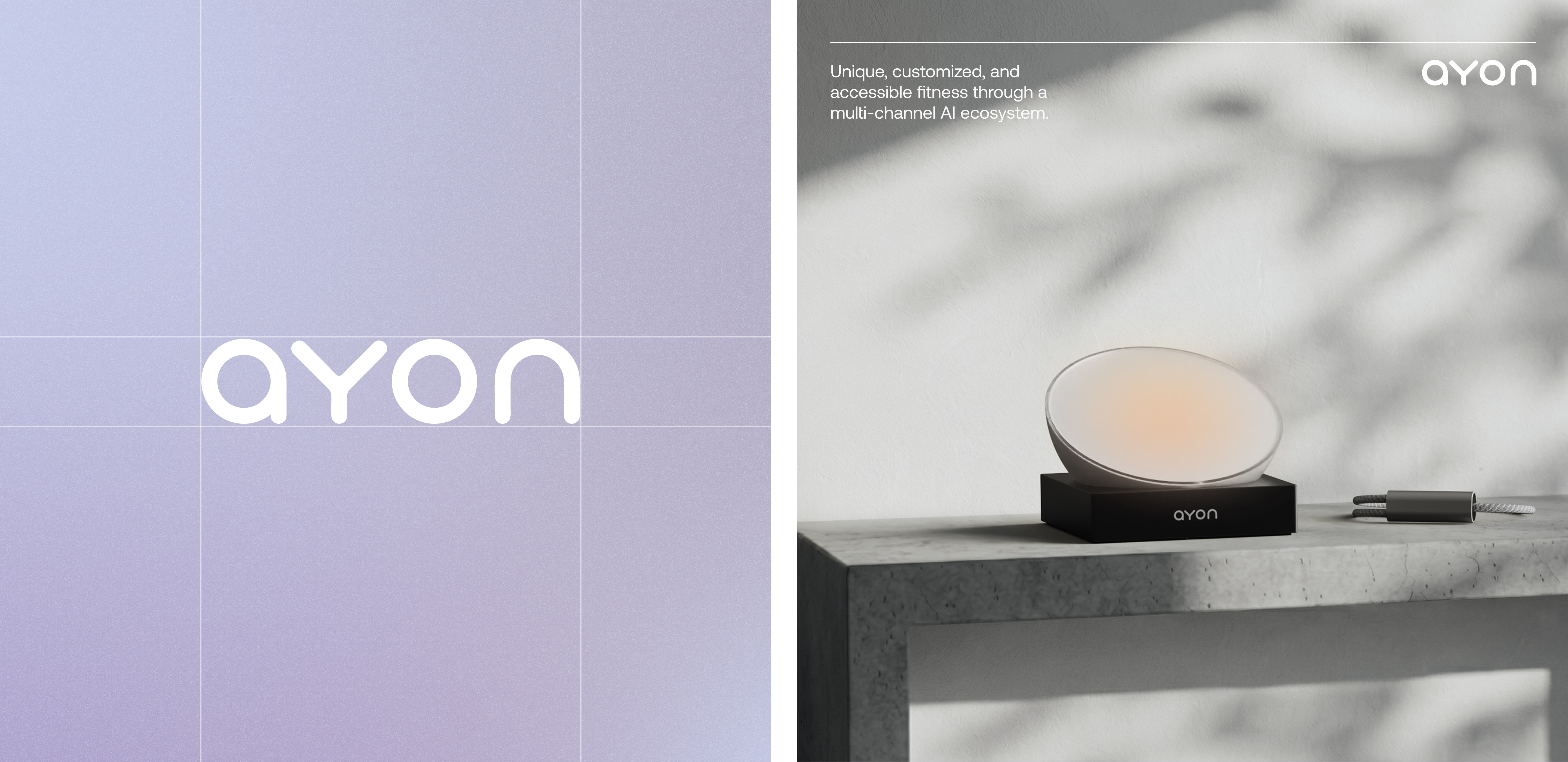
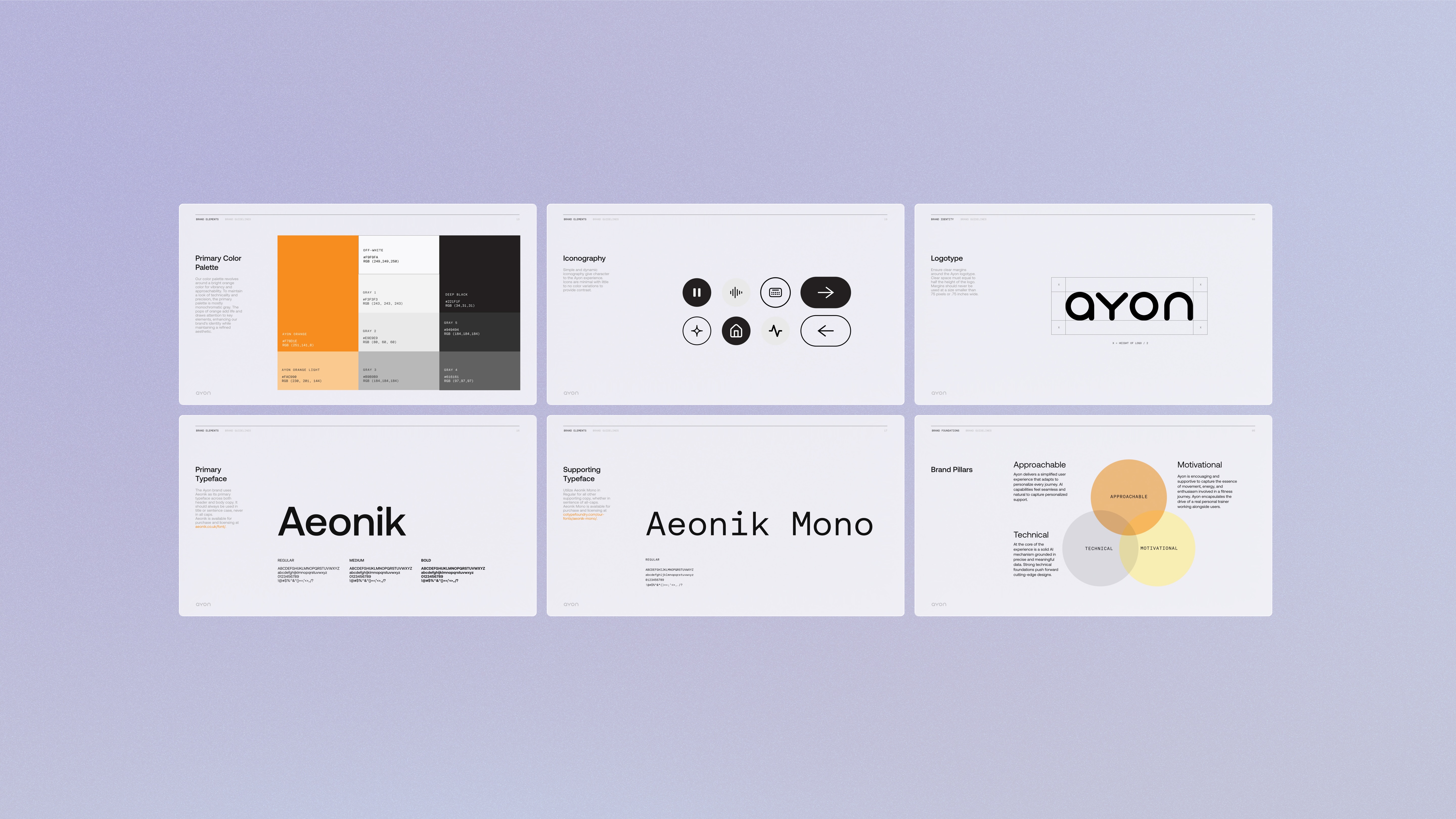
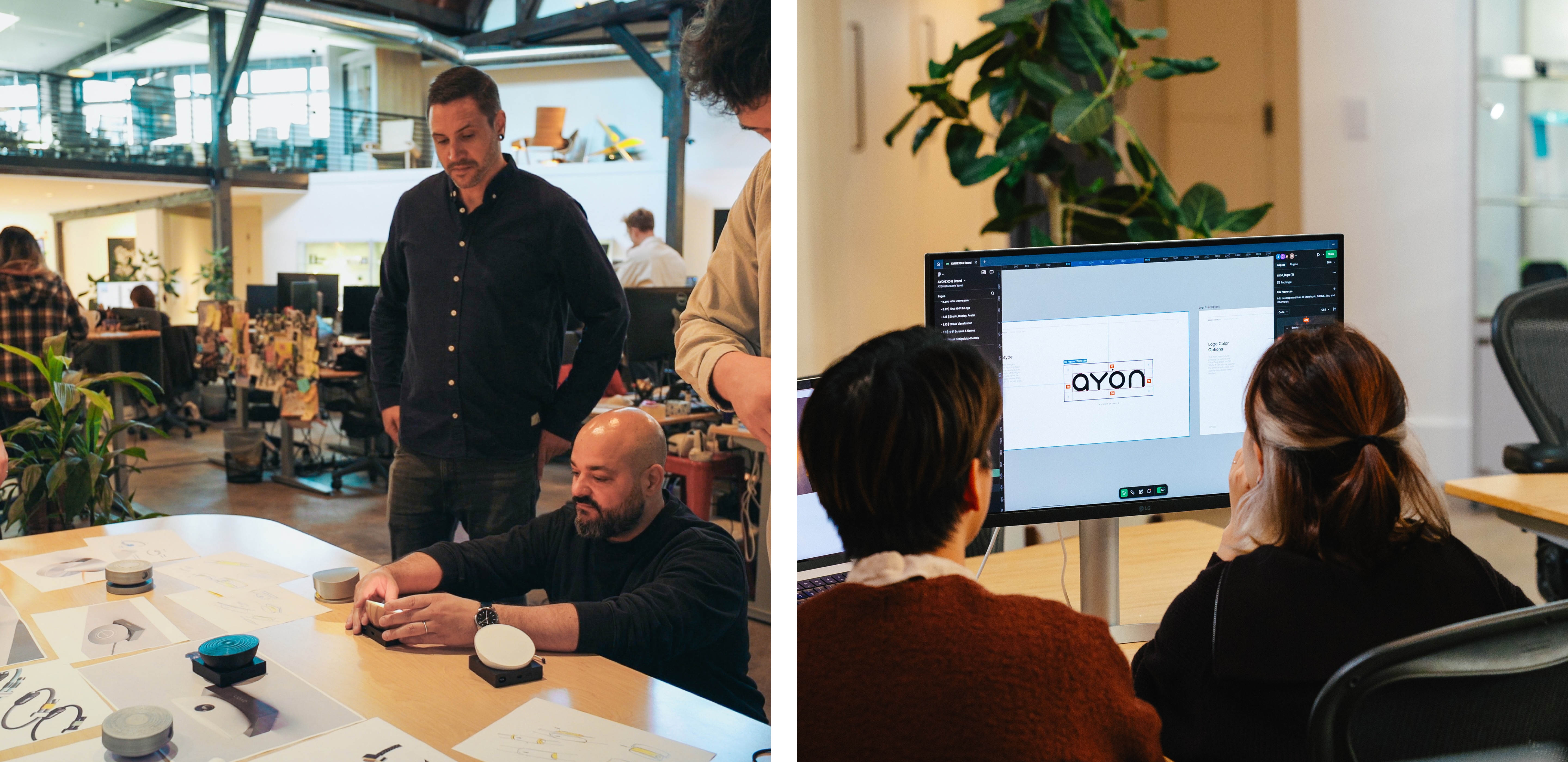
The logo uses soft, rounded letterforms with consistent shapes across the typeface, echoing the same approachable geometry found in the hardware. A restrained palette and supportive, conversational tone help position the brand closer to wellness than sport.
.jpg)
Real-time coaching, from the comfort home
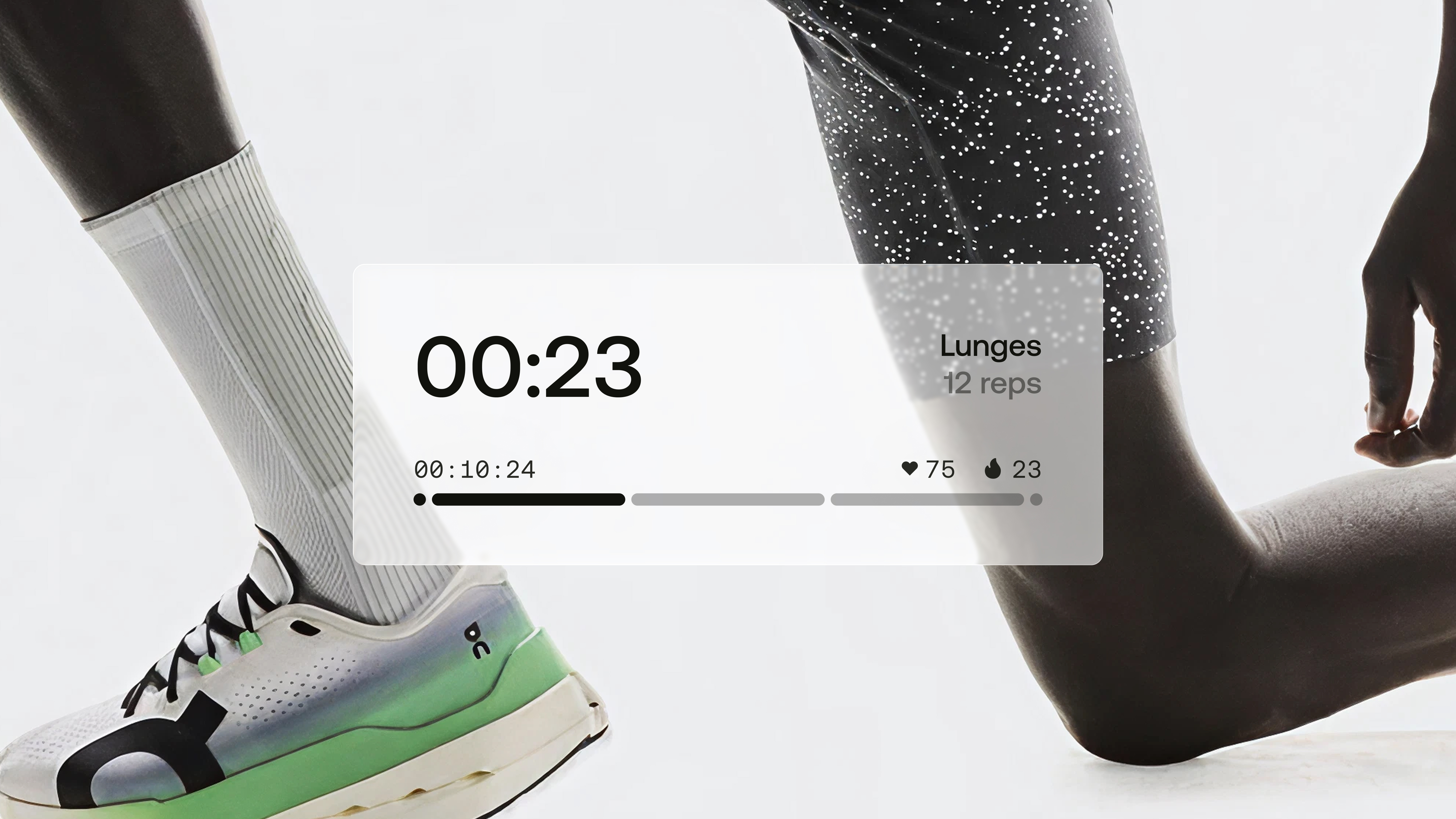
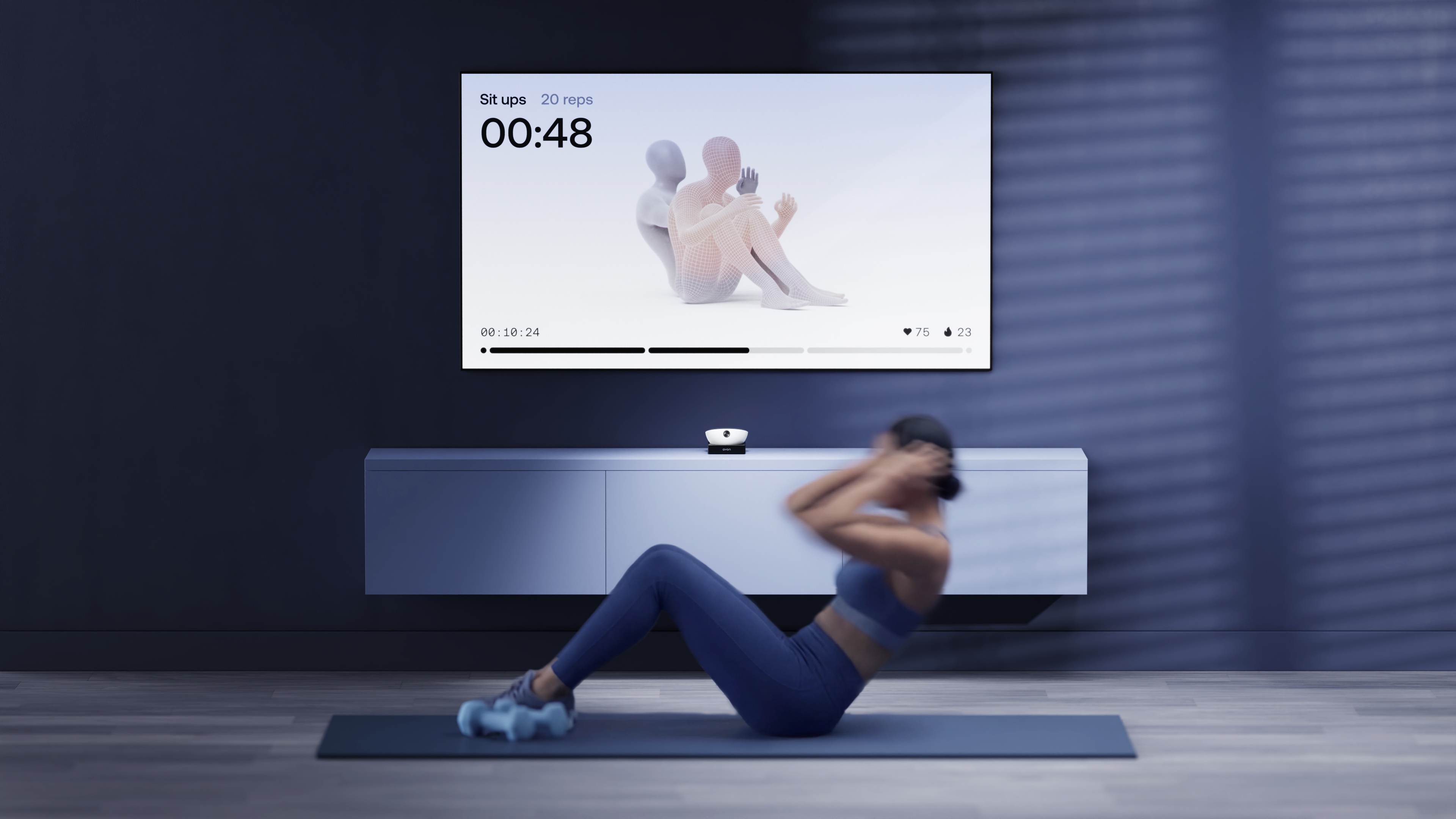
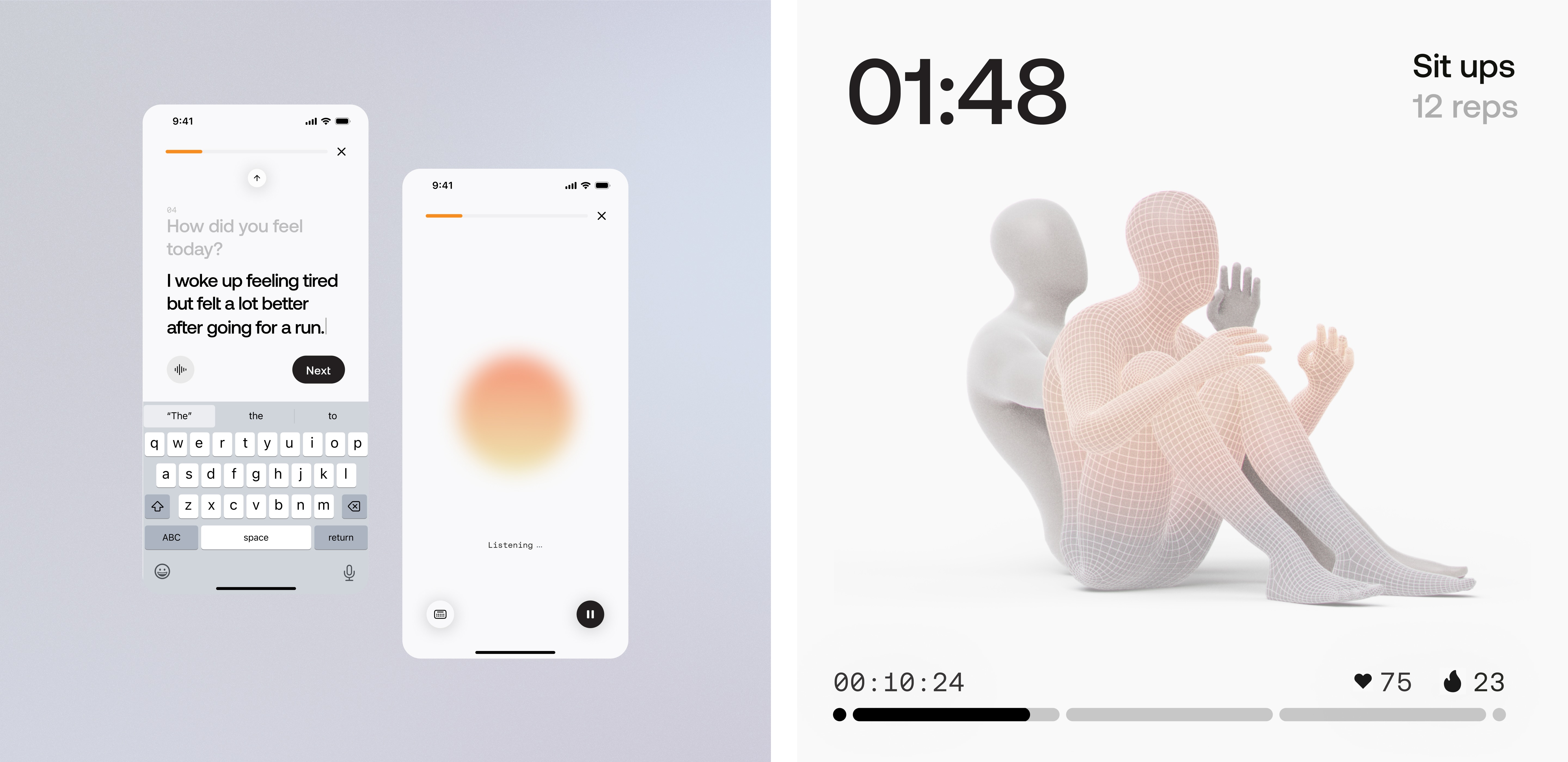
During a workout, the camera tracks the user’s movement while a 3D avatar on the app demonstrates ideal form alongside their own. The AI corrects posture, adjusts intensity, and delivers audio cues in real time — adapting the session to the user’s performance as it unfolds.
Quiet technology, designed for life
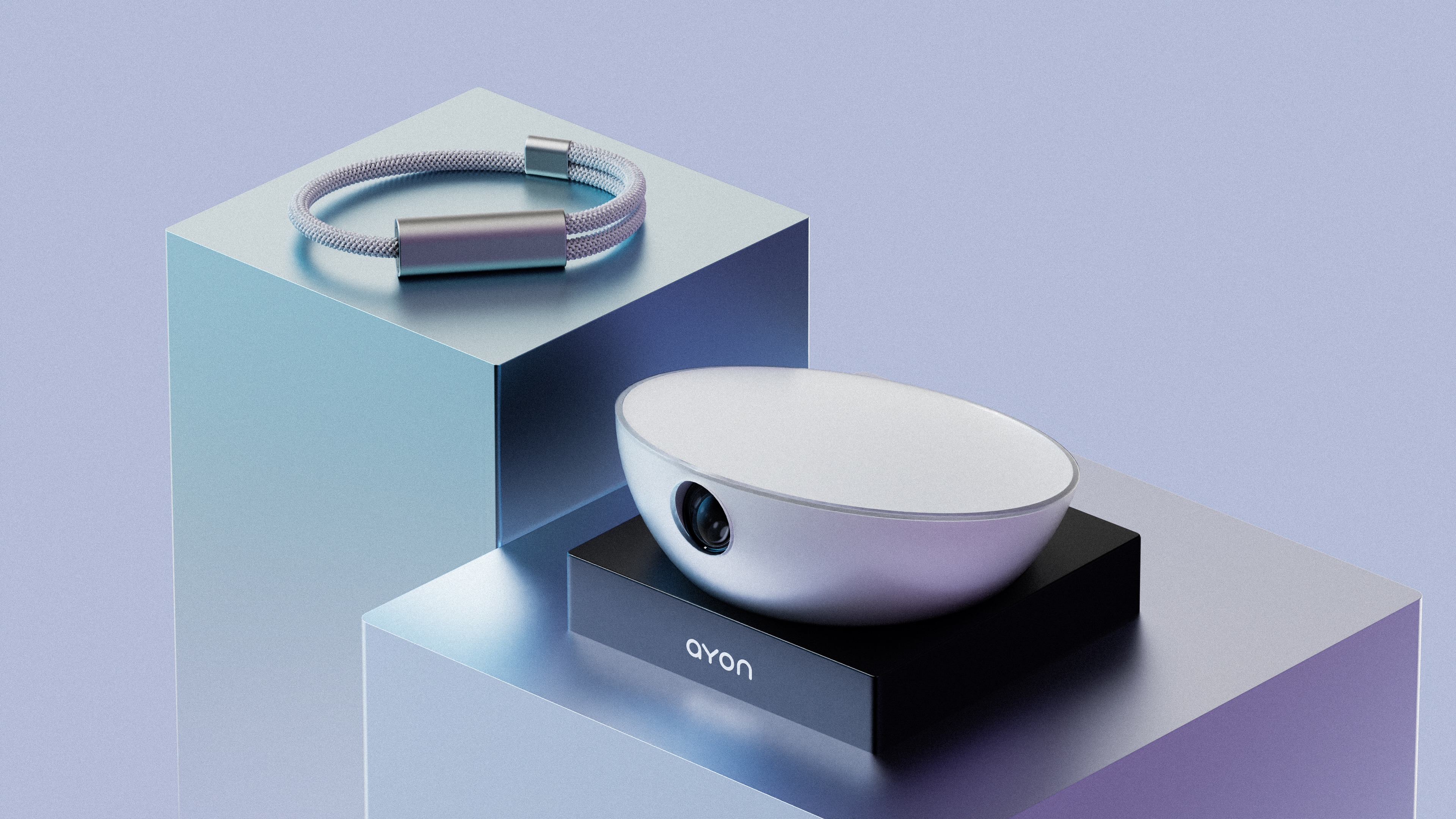
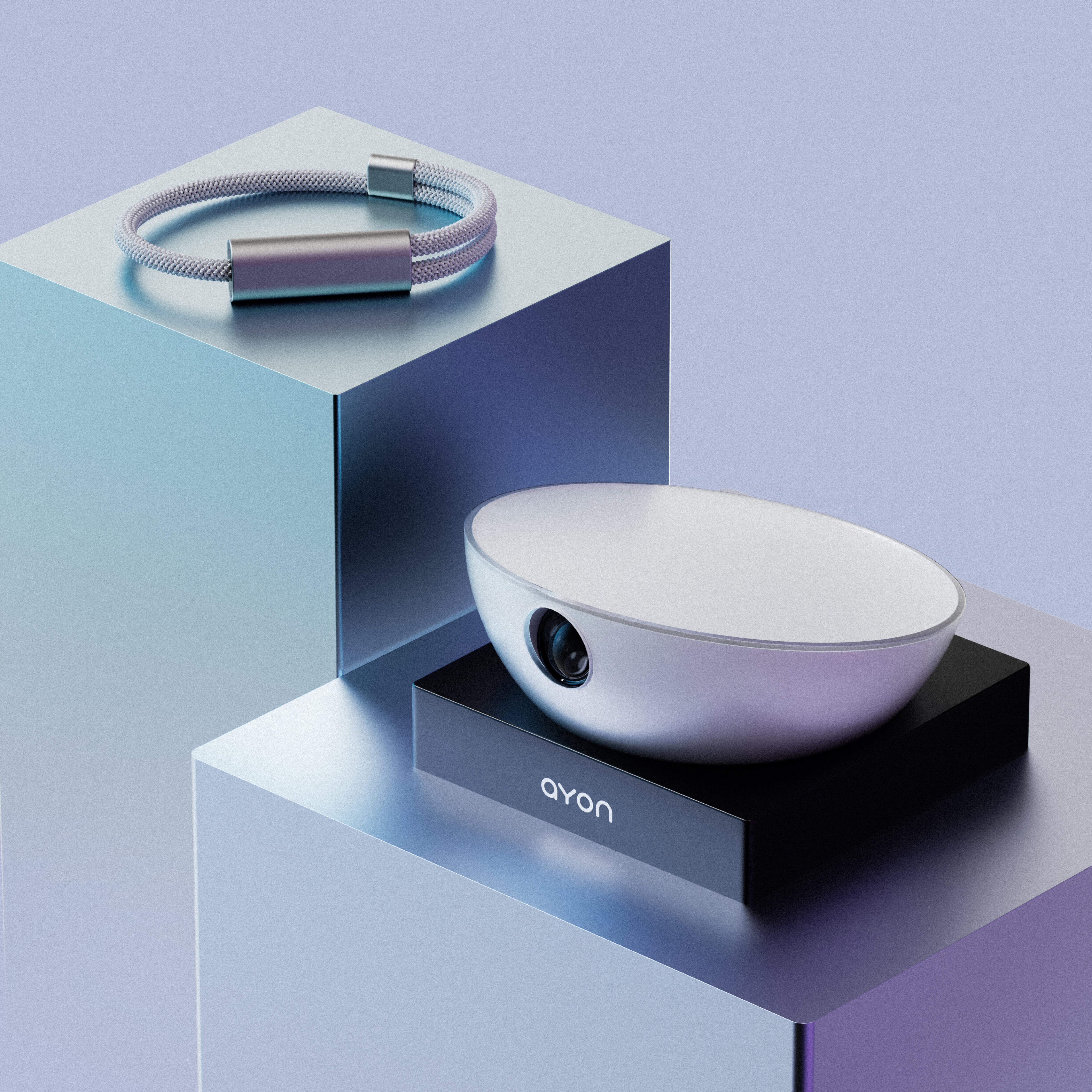
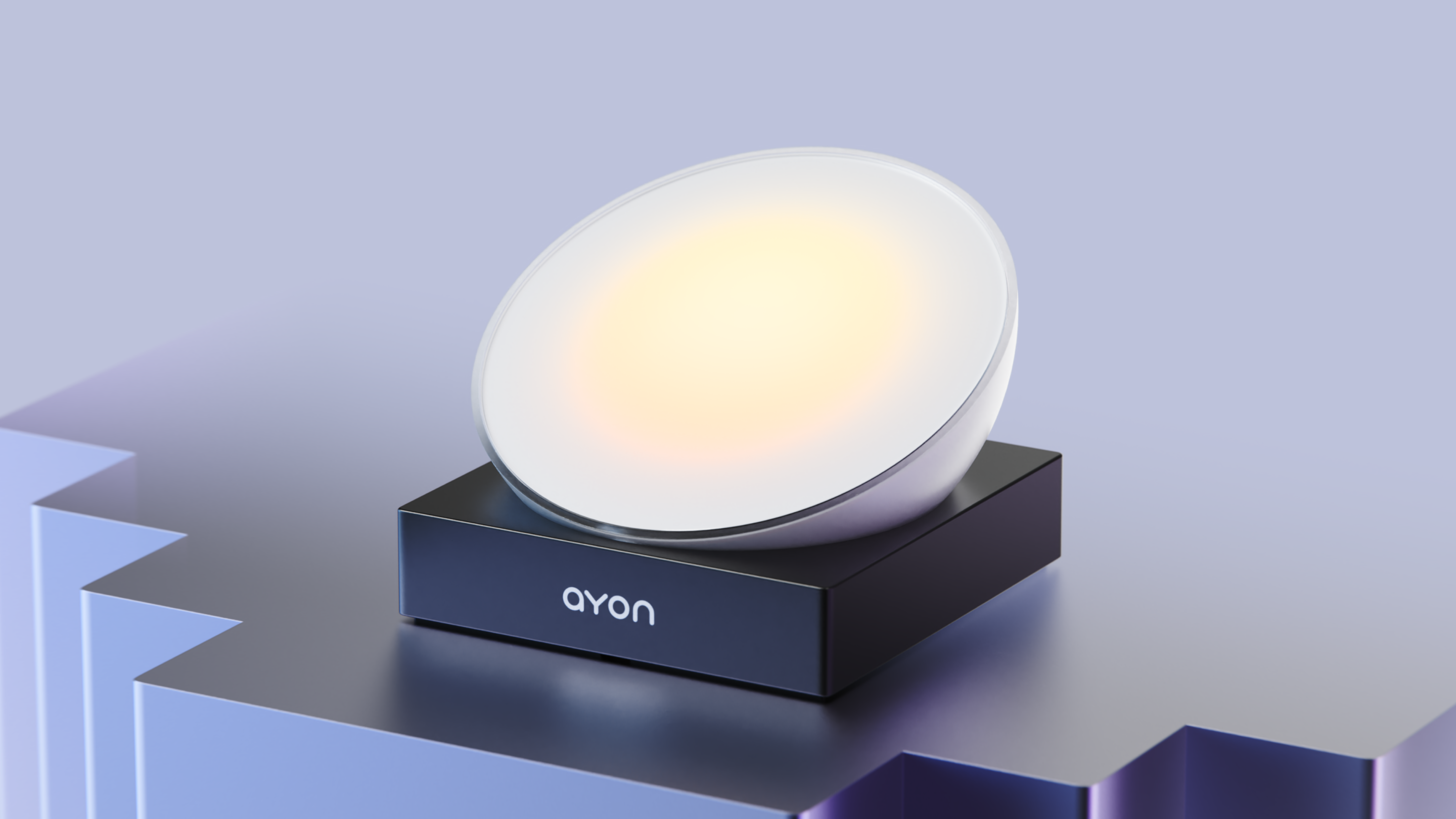
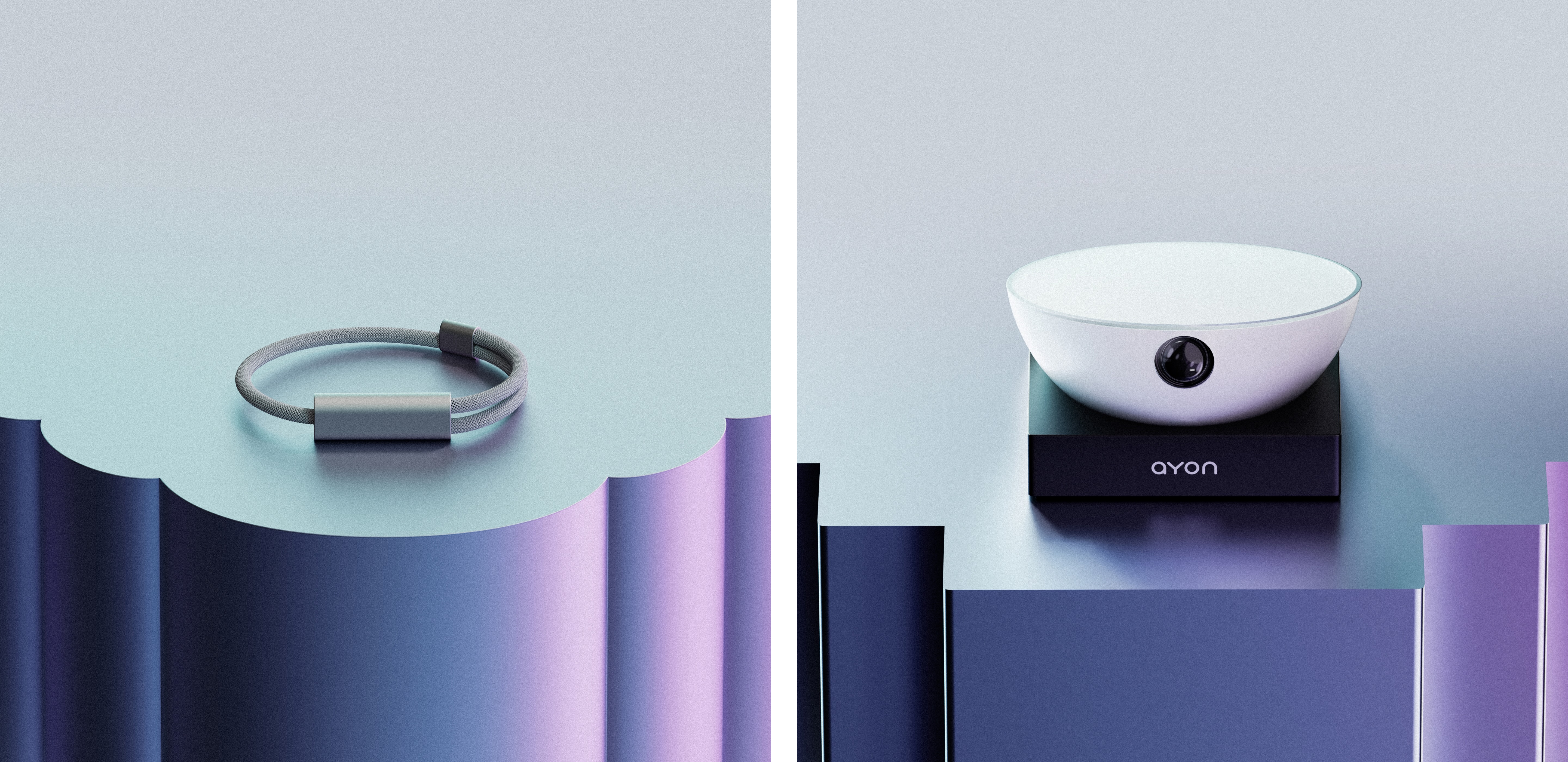
Frosted acrylic and an aluminum base give the Ayon camera the presence of a sculptural home object. The truncated sphere sits on a minimal plinth, allowing the camera to be positioned anywhere so that it remains angled towards the user. A single push slides the bowl open to reveal the camera beneath, and when tilted down, the lens tucks away while the ambient light on top faces the user — turning the device into a gentle, ambient coach between sessions.
Minimal and elegant
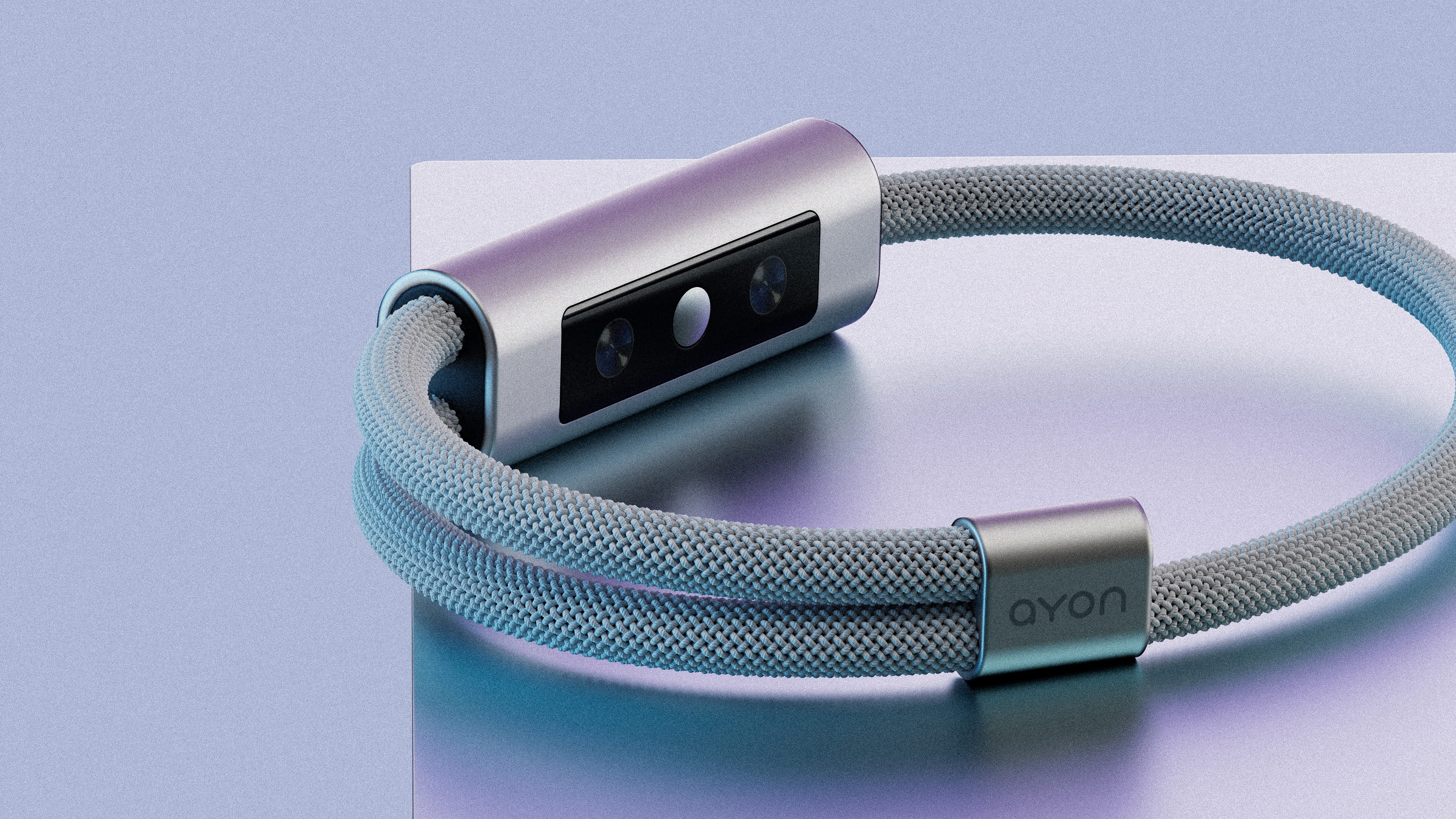
Smooth, rounded forms and a threaded band keep the wearable slim and elegant. It tracks key biometrics throughout the day, delivering gentle nudges that keep the experience going long after the camera is off.
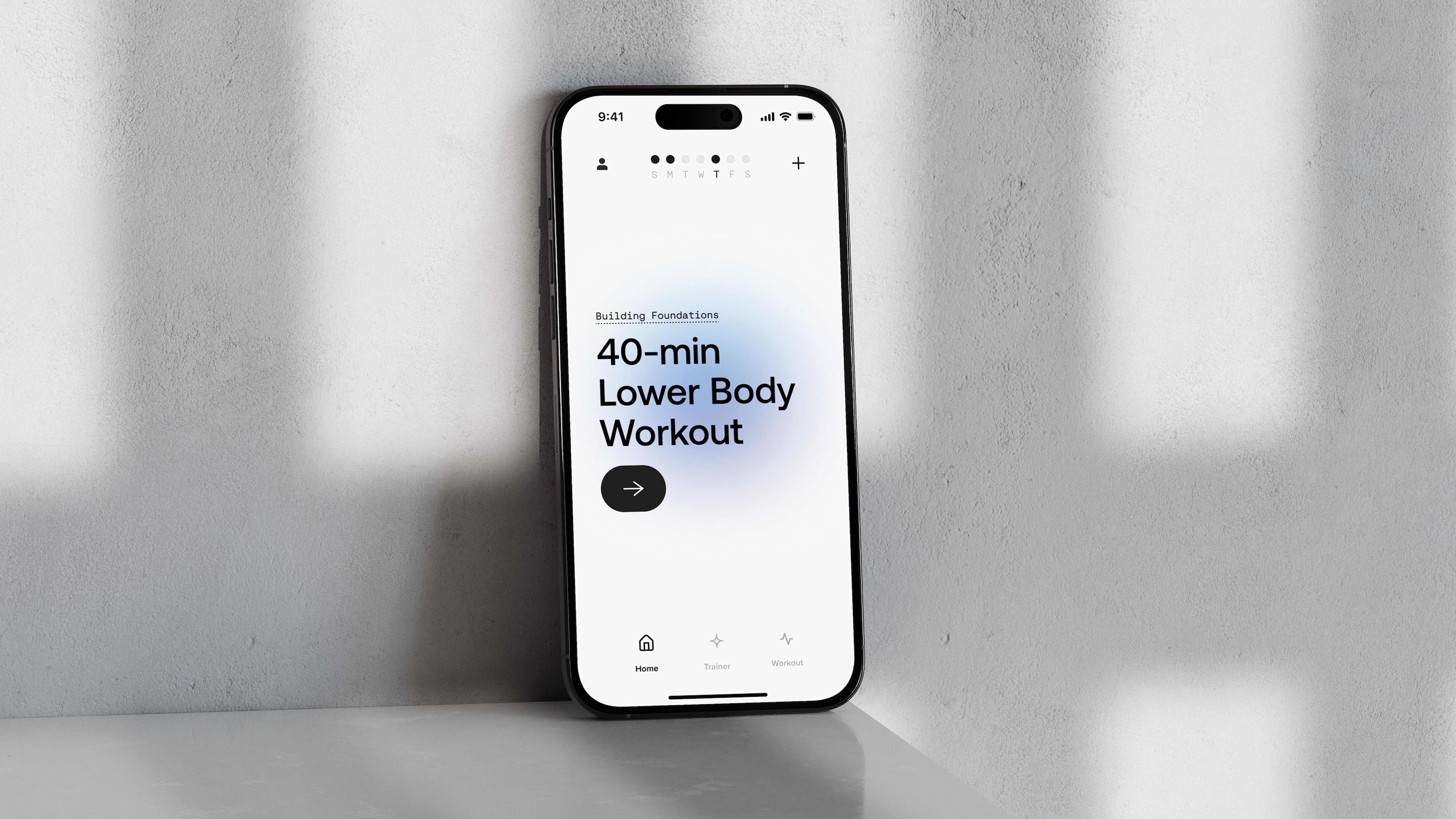
Color that communicates
The brand palette doubles as a coaching tool. Blues signal the start of a session or lower activity, warming toward amber and orange as intensity builds — a visual language that runs through the app, the camera display, and the brand identity itself.
A true partnership
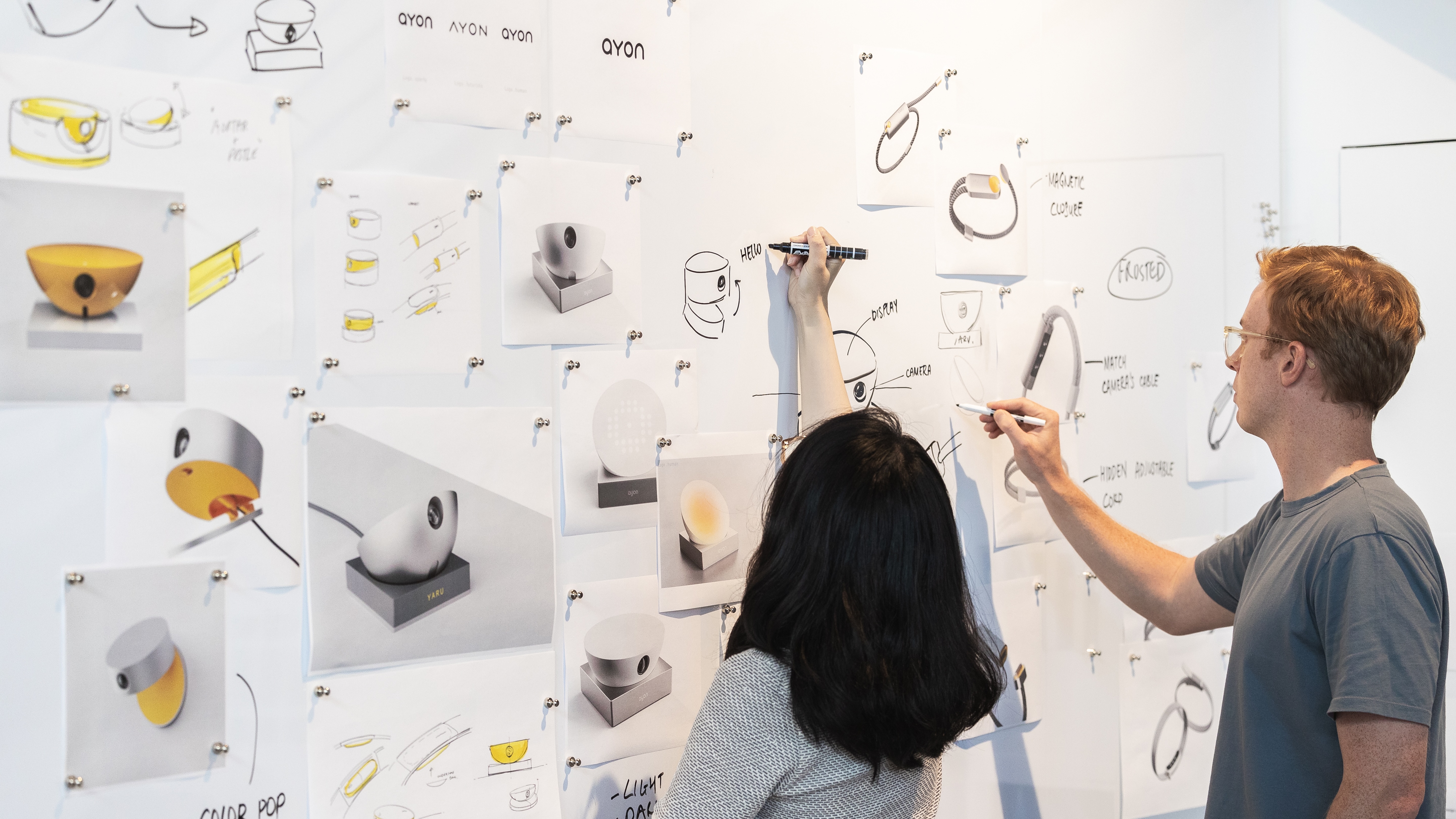
We worked closely with the Ayon team across every phase, from early research and expert interviews with personal trainers and health psychologists through industrial design, digital experience, and brand. The collaboration shaped the direction at each stage — refining the product vision, narrowing scope, and aligning physical, digital, and brand decisions into one cohesive system.
Video with default size
Video with full width


Statement Headline
The rich text element allows you to create and format headings, paragraphs, blockquotes, images, and video all in one place instead of having to add and format
Statement Headline
A rich text element can be used with static or dynamic content. For static content, just drop it into any page and begin editing. For dynamic content, add a rich text field to any collection and then connect a rich text element to that field in the settings panel. Voila!
Quote text 1
Quote text 2
Headings, paragraphs, blockquotes, figures, images, and figure captions can all be styled after a class is added to the rich text element using the "When inside of" nested selector system.
Video with default size
Video with full width
Statement Headline
The rich text element allows you to create and format headings, paragraphs, blockquotes, images, and video all in one place instead of having to add and format
Statement Headline
A rich text element can be used with static or dynamic content. For static content, just drop it into any page and begin editing. For dynamic content, add a rich text field to any collection and then connect a rich text element to that field in the settings panel. Voila!
Quote text 1
Quote text 2
Headings, paragraphs, blockquotes, figures, images, and figure captions can all be styled after a class is added to the rich text element using the "When inside of" nested selector system.
Services
Brand Development
Market & Audience Research
Brand Strategy & Positioning
Brand Voice, Messaging, & Narrative
Logo, Color, Typography & Visual Identity
Industrial Design
Product Design Ideation & Refinement
Human Factors & Ergonomics
Model-Making & Prototyping
Color, Materials, Finish & Detail Specification
Physical UX Design
User Testing
Digital UX/UI
User Journey Mapping
UX Design
User Interface Design
Prototyping & User Testing
Digital Design Systems
Technical Discovery
Awards
No Awards

-min.png)


.svg)
.svg)
