


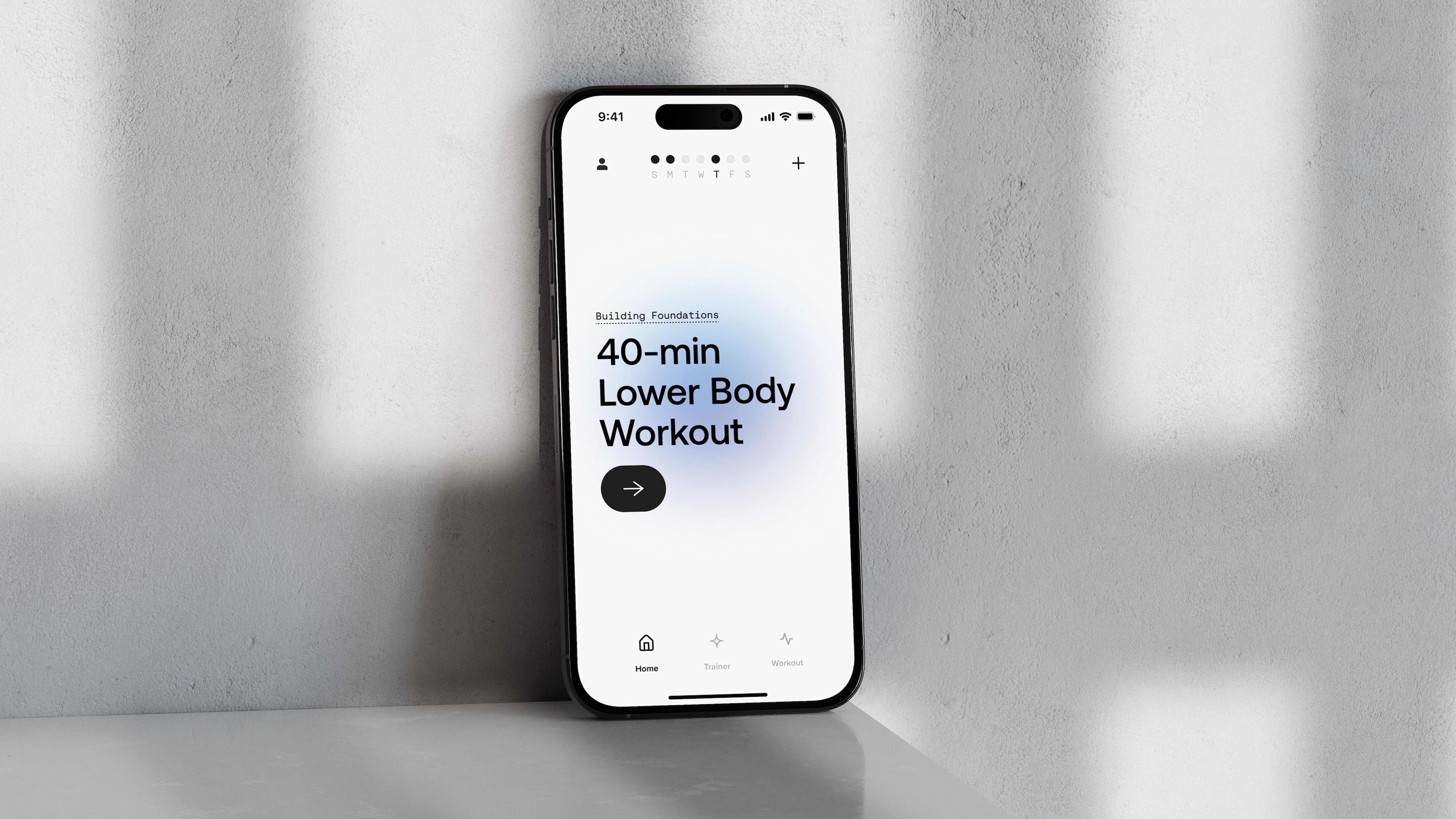
Human-AI interaction design is the practice of designing how people communicate and collaborate with artificial intelligence within a product or service. It considers how users provide input, interpret AI output, correct mistakes, understand limitations, and remain in control of important actions.
AI interaction can include conversational interfaces, generative tools, recommendations, intelligent automation, voice interfaces, predictive systems, and AI embedded within existing products. These experiences often need to account for uncertainty, changing outputs, and user expectations about what the system can do.
AI can make a product more capable, but capability can also introduce uncertainty. People need to understand what the system is doing, how to interpret its response, and when they should correct or override it.
Good AI interaction design makes feedback, control, and system behavior easier to understand. It also helps teams avoid treating AI as a standalone feature when it should instead become part of the product's broader experience.
Whipsaw combines UX, interaction design, user research, product strategy, and emerging technology to design AI experiences around real user needs. We consider system behavior, human control, feedback, and the user's mental model of the technology.
We design conversational flows, AI interfaces, feedback mechanisms, system states, controls, and interaction patterns, then use prototypes to evaluate whether the experience feels useful, understandable, and appropriate to its context.


Human-AI interaction design shapes how people communicate and collaborate with artificial intelligence within a product or service. It considers inputs, AI responses, feedback, user control, system limitations, and how people interpret AI behavior.
AI systems can produce variable outputs and may have limitations that are not obvious from a conventional interface. Users need clear feedback about what the system can do, how to interpret its responses, and when they can correct or override it.
Human-AI interactions can include conversational interfaces, recommendations, generative tools, voice experiences, intelligent automation, predictive systems, and AI features embedded in existing products.
Whipsaw combines UX, interaction design, user research, product strategy, and emerging technology to explore system behavior, human control, feedback, and user expectations. Prototypes help teams evaluate AI interactions before they become part of the final product.
The interface should make relevant system limitations, states, or uncertainty understandable without adding unnecessary complexity. The exact approach depends on the AI capability, user task, and consequences of an incorrect result.
It should begin while the team is defining what the AI capability will do and how people will use it. Early interaction design helps prevent AI from being added as a disconnected feature and instead makes it part of the overall product experience.


