


Hardware Interaction Design
Making physical interactions intuitive and responsive
6
How We Work
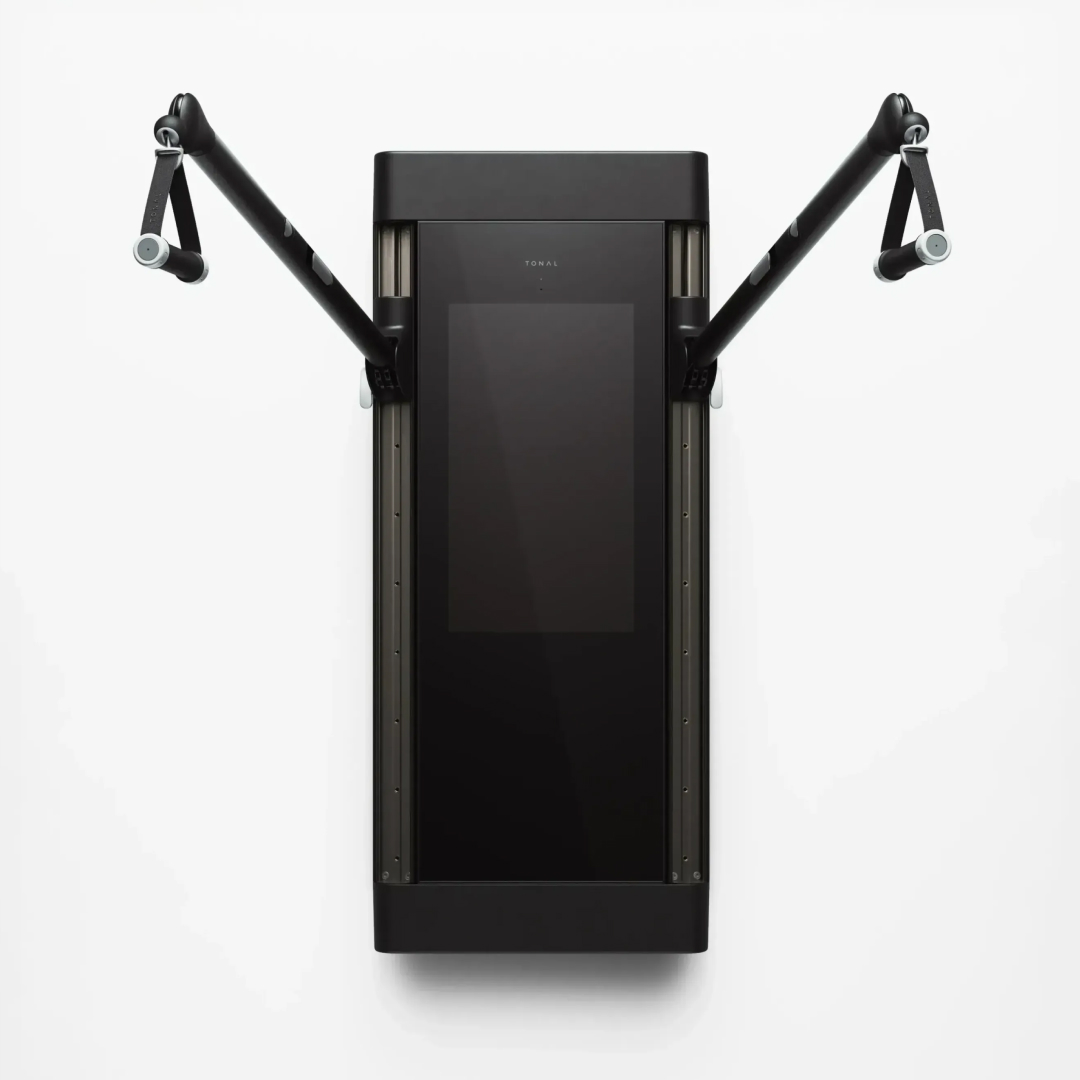
We map physical inputs and product responses as one system. A button, sensor, display, light, or haptic response shouldn't feel like an isolated feature. We prototype the relationship between action and feedback, then refine control placement, behavior, and hardware-software connections around the context in which the product will be used.
Explaining Hardware Interaction Design
Hardware interaction design is the process of designing how people interact with physical products and how those products communicate information back. It can include buttons, switches, knobs, touch surfaces, gestures, sensors, displays, lighting, sound, and haptic feedback.
Because the interaction is physical, the design has to account for form, controls, materials, ergonomics, and the environment of use. Connected products also need physical actions and digital responses to work together as one experience.
Importance of Hardware Interaction Design
The way a product behaves matters as much as how it looks. Clear controls and meaningful feedback help people understand what a product is doing without forcing them to learn unnecessary complexity.
Designing interaction early also gives teams time to explore control placement, feedback, behavior, and hardware-software relationships before those choices become fixed in engineering.
Whipsaw's Expertise
Whipsaw treats hardware interaction as an interdisciplinary part of product design. We bring industrial design, interaction design, human factors, electronics, and software considerations into the same conversation.
Physical prototypes make the interaction tangible. By connecting controls, sensors, displays, and feedback with the product's physical form, we help teams create hardware that behaves as clearly as it looks.
For brands like


FAQ
What is hardware interaction design?
Hardware interaction design defines how people physically interact with products through controls, sensors, displays, lighting, sound, haptics, and other forms of feedback. It connects physical actions with the product’s responses.
How does hardware interaction design differ from UX design?
UX design often focuses on how people navigate and use digital experiences, while hardware interaction design also accounts for physical controls, ergonomics, materials, sensors, and machine responses. Connected products often require both disciplines to work together.
What are examples of hardware interactions?
Hardware interactions can include buttons, switches, knobs, touch surfaces, gestures, sensors, displays, lights, sound, and haptic feedback. The right interaction depends on the product, environment, user, and task.
Why is hardware interaction design important for connected products?
Connected products often combine physical controls with digital interfaces and automated responses. Designing those interactions as one system helps users understand what the product is doing and what they should do next.
How does Whipsaw design physical product interactions?
Whipsaw connects industrial design, interaction design, human factors, electronics, and software considerations. Prototypes help teams evaluate controls, feedback, system states, and the relationship between physical and digital interactions.
When should hardware interaction be designed?
Hardware interaction should be considered early enough to influence product form, component placement, electronics, and software behavior. Designing it late can limit options for controls, feedback, and the overall user experience.
Next Service
Manufacturing Partnerships
Manufacturing partnerships is the work of finding and vetting the right manufacturers and specialty vendors to build a product at the quality, volusme, and geography it needs. We help clients identify and evaluate contract manufacturers, OEMs, and specialty vendors, basing recommendations on capability fit, quality track record, volume alignment, and geography. We stay involved through implementation, so design intent carries all the way through DFM, DVT, and PVT.
13
Packaging Design
Packaging is the first physical touchpoint with your customer. We design from the inside out — structural exploration, unboxing experience mapping, brand integration, graphic design, and materials specification. Our work includes 3D modeling, physical prototyping, dieline development, sustainability analysis, and vendor coordination through production.
12
Design for Manufacturing
Design for manufacturing is the work of turning an approved concept into a production-ready product that's engineered for performance, cost, and scale. Our DFMA work includes part consolidation, wall-thickness analysis, snap-fit and fastener strategy, tolerance stack-up review, and material selection matched to the appropriate process. We also define manufacturing strategy and find cost savings, all while protecting design intent and reliability. We've contributed to more than 700 patents across our portfolio.
11
Color, Materials, Finish
Color, materials, and finish design is the work of specifying how a product looks and feels to the touch, documented precisely enough for manufacturing. We explore and specify everything from soft-touch coatings and anodized metals to textured polymers and sustainable bio-materials. Our CMF specs include material callouts, texture references, Pantone and RAL standards, and finish tolerances, so the intent survives the trip to the factory floor. Sustainability factors in here too: we help clients choose recycled and bio-based materials and design for disassembly and recyclability, weaving those decisions in early rather than bolting them on at the end.
10
Design Refinement
Design refinement is the phase where a chosen direction is sharpened into a fully resolved product, detail by detail. Once a concept is selected, we perfect the form and surfacing, lock the scale and placement of branding elements, and resolve the small decisions that separate a rough idea from a finished product. Renderings and CAD get updated to reflect every change.
9
Creative Engineering
Hardware interaction design is the design of how a product feels to operate, the click of a button, the swing of a lid, the way a light tells you what's happening. We design and prototype hardware interaction states, including buttons, switches, lights, dials, and haptic feedback, iterating hands-on until each one feels right. You can't fully judge this on a screen, so we build it, hold it, and tune it until the interaction feels intentional.
8
Robotics & Autonomous System Design
Robotics and autonomous system design is the design of machines that move, sense, and act on their own, and do it in a way that people can work alongside comfortably. We design the physical form, human factors, and interaction behavior of robotic and autonomous products. These machines have to perform, and they also have to be legible to the people around them, so we design how a robot signals intent and hands off control alongside the ergonomics, durability, and serviceability that decide whether it holds up in the real world.
7
Model-Making & Prototyping
Model-making and prototyping are the practices of building physical versions of a product at every stage of design to test form, function, and feel before committing to production. We build models in-house, from quick foam studies and 3D-printed concepts to high-fidelity appearance prototypes, using FDM, SLA, and SLS printing, CNC machining, and painted appearance models. A physical model settles debates faster than any slide, and it surfaces the problems that only show up once something becomes real.
5
AI-Enabled Research and Validation
Traditional qual trades scale for depth. Surveys give you scale but never ask why. We run structured conversations with 100 or more verified participants over text, using a virtual researcher that probes answers and surfaces tensions the way a skilled moderator would. Fielding completes in 24 to 48 hours. A Whipsaw strategist frames the question, writes the protocol, and facilitates the readout, because the decision you need to make and the question that unlocks it are rarely the same thing. You get the depth of a moderated conversation with a sample size that survives scrutiny.
4
Human Factors & Usability
Human factors and usability is the discipline of designing products around the real bodies, abilities, and behaviors of the people who use them, and testing with real people throughout the process. We work with full-scale models in our own shop, through anthropometric analysis, grip and reach studies, and accessibility evaluations, alongside usability sessions, A/B preference testing, and observational studies in real-use environments. Decisions are made based on what people actually do, not on what the team assumes, and catching a problem in a foam model is much cheaper than catching it in a customer's hands.
3
AI-Enabled Product Design
AI-enabled product design is our use of AI tools inside the design process itself, to explore more directions and visualize them faster than traditional methods allow. We use it to generate, iterate on, and render concepts at a pace that lets us see ideas early and in greater numbers. More iterations in less time means more chances to find the right direction, and tighter feedback loops at the stage when changes are cheapest.
2
Concept Ideation
Concept ideation is the earliest phase of product design, in which a broad opportunity becomes a set of possible directions. This is divergent work. We push for range before resolution, generating a high volume of ideas through fast sketching, 3D CAD, and rapid rendering, so concepts can be seen and reacted to almost as quickly as they're conceived. Chase the unexpected directions and find the genuinely innovative idea before the obvious one takes hold.
1


